StelloTV reviews and viewing photos
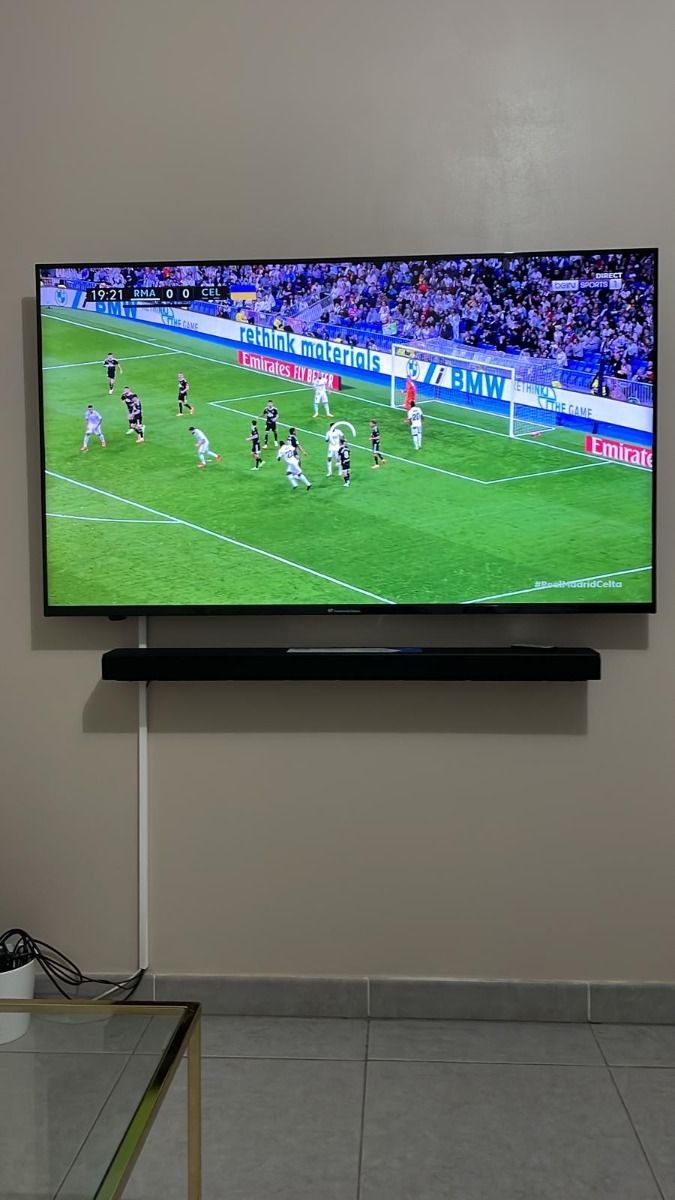
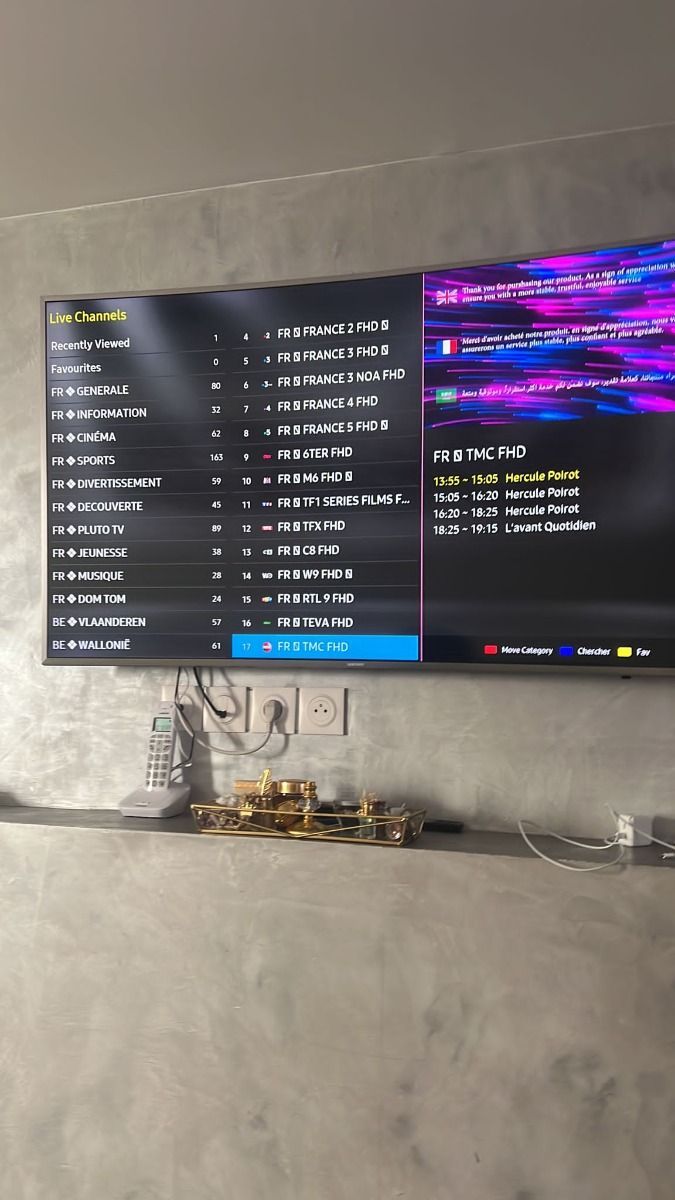
Explore the supplied screen photos and learn how to assess a useful service review. We do not attach invented names, verification badges or star totals to these images.
Viewing photos from the project
Browse the screen photos supplied with this project. They do not establish customer identities or ratings.

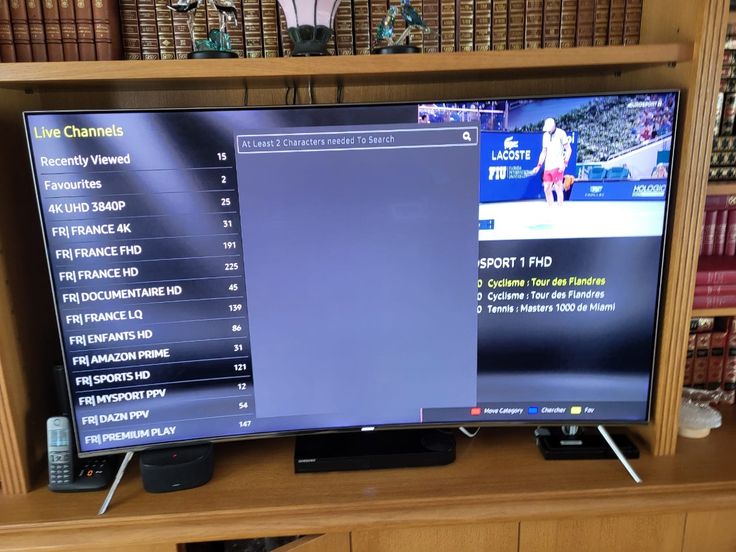
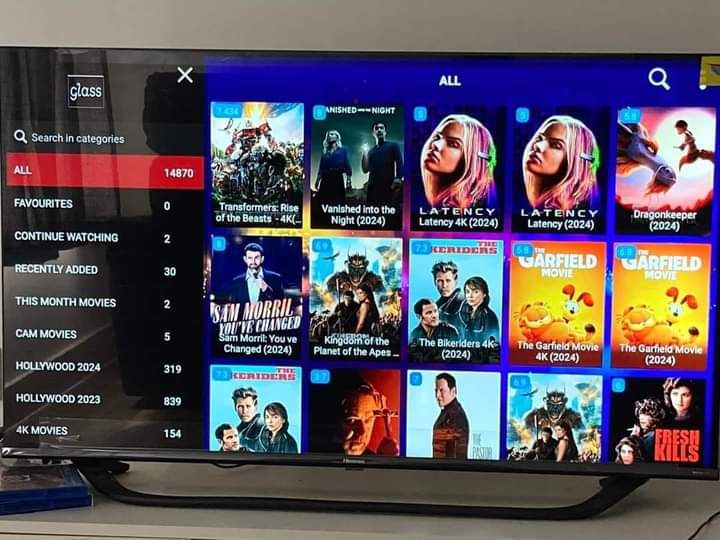
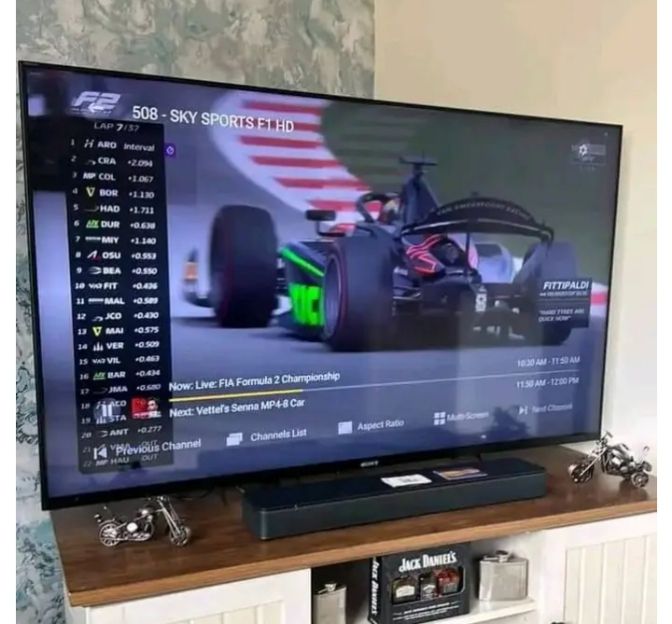
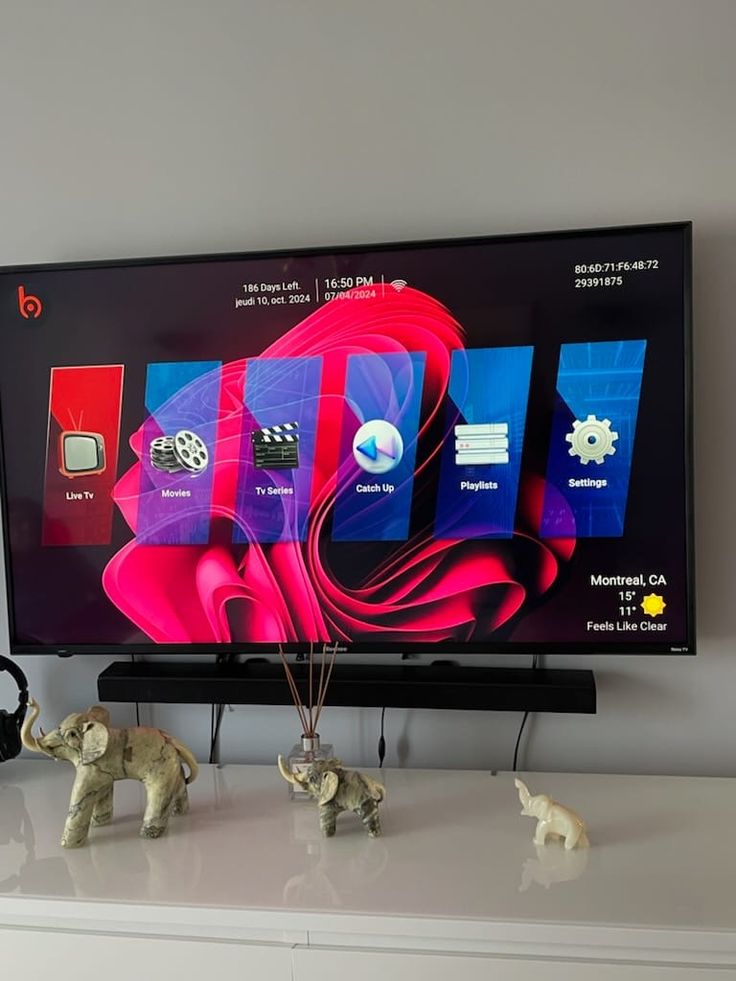
What to look for in a service review
Focus on experiences that match your own setup: the device, player, internet connection and type of content. A useful review describes what worked and what did not, rather than just a star score. Ask support for current details before making a decision.
StelloTV questions, answered
Clear answers before you choose a plan or install a player.
What support can I expect?
Contact the team before ordering to confirm current support hours, languages and response times. Keep your order details and device model handy so the team can help efficiently.
How does payment and activation work?
Choose a duration and device count, then contact StelloTV for the current ordering instructions. Confirm the payment method and activation details directly with support before paying.
Which devices can I use?
IPTV players are available on many Smart TVs, Fire TV devices, Android phones and TV boxes, iPhone, iPad, Apple TV, Windows and Mac. Compatibility depends on the app and your device software.
What channels and on-demand content are available?
The catalogue can change. Ask support for a current channel and on-demand list for your region and for any specific programme you need before subscribing.
Ready to choose your StelloTV plan?
Compare fixed totals, select the screens you need and check the details before ordering.